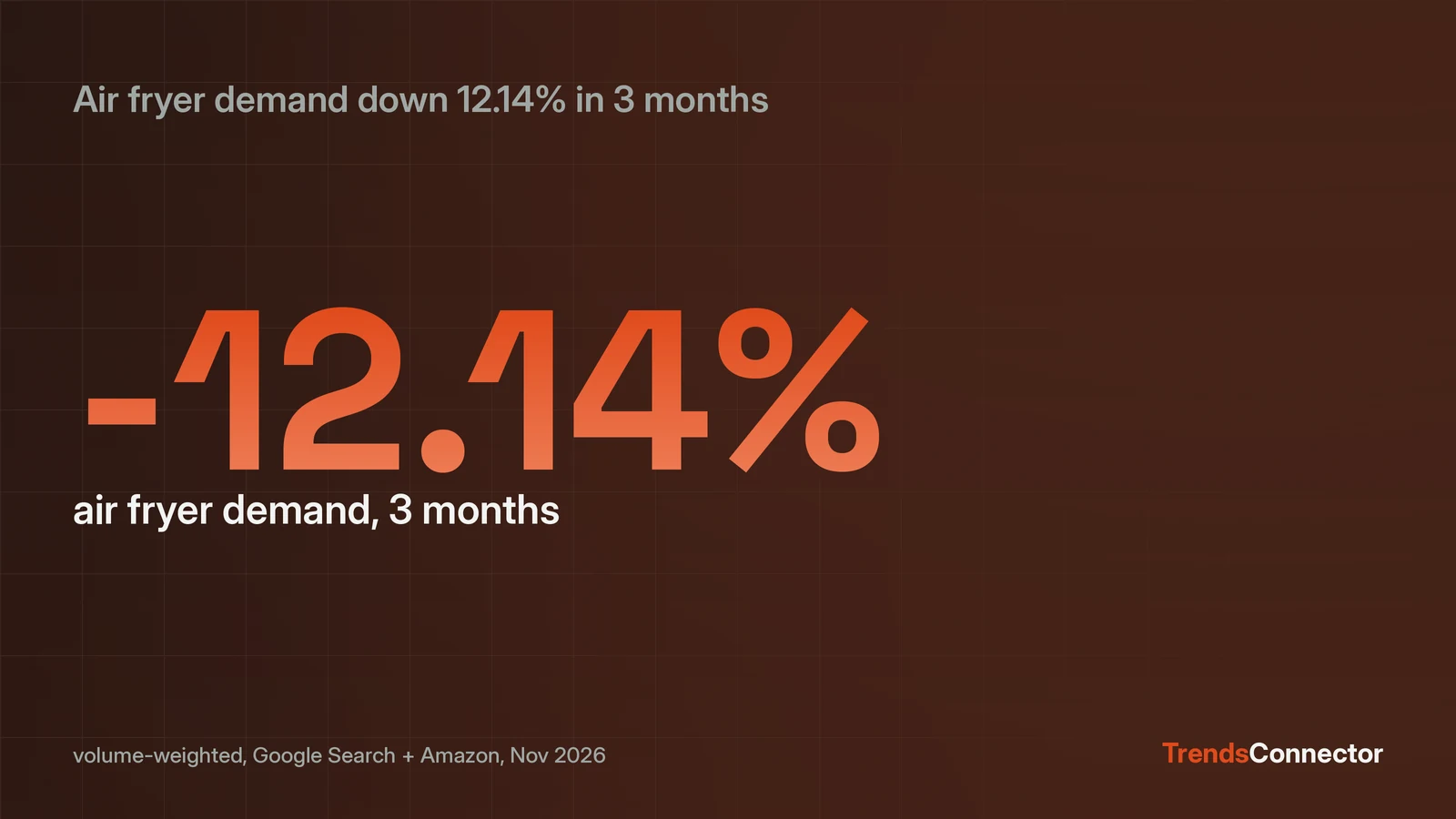
An n8n AI Agent reads live trend data through the MCP Client Tool node, which hands an external MCP server's tools to the agent. Set Endpoint to https://api.trendsconnector.com/mcp, Server Transport to HTTP Streamable, and Authentication to Bearer with a TrendsConnector key. The free key covers 100 requests a month with no card. The agent then has get_time_series, get_growth and get_top_trends, across 27 platforms and 53 data series on one 0 to 100 scale. Ask "Is air fryer demand rising or falling?" and the first answer comes back as a number: down 12.14 percent, volume-weighted across Google Search and Amazon over the last three months (data pulled 3 November 2026).
The MCP Client Tool node is the connection
The MCP Client Tool is a sub-node, not a standalone step: it plugs into an AI Agent node and the agent decides which of the server's tools to call. n8n's own docs describe it as an MCP client for external servers, with Bearer, header and OAuth2 authentication options. The fields that matter are Endpoint, Server Transport and Authentication, plus Tools to Include, where All exposes get_time_series, get_growth and get_top_trends at once.
Add it to an AI Agent workflow
The setup is two actions plus three field values:
- Create a workflow and add an AI Agent node.
- In the agent's Tools, add the MCP Client Tool node.
- Endpoint: https://api.trendsconnector.com/mcp
- Server Transport: HTTP Streamable
- Authentication: Bearer . Create the credential and paste the TrendsConnector API key as the token.
Get the key at trendsconnector.com: Start free gives 100 requests a month, no card, and the same key works for MCP and plain REST. One version trap: node version 1 shows a single SSE Endpoint field. Recreate the node to get version 1.1 or later, where Endpoint and Server Transport appear and HTTP Streamable is the default from version 1.2.
Ask a growth question and read the answer
The agent calls get_growth with the keyword and the sources; the reply is numbers, not prose. On 3 November 2026, "air fryer" over three months came back: Google Search, 53.0 down to 47.0, a fall of 11.32 percent (1 August to 31 October); Amazon, 68.3 down to 59.7, a fall of 12.59 percent (30 June to 30 September); volume-weighted across both sources, down 12.14 percent. Every series sits on the same 0 to 100 index, so the agent can set search interest next to shopping demand inside one answer.
What the agent can ask next
get_time_series pulls up to five years of weekly history for a keyword on one source; get_growth compares a keyword across many sources at once; get_top_trends returns live boards with no keyword at all. The Amazon product search series and the Google Trends boards are the two most useful for buying and content decisions. The full client list shows every assistant and tool that takes the same connection.
When the plain HTTP Request node fits better
If the workflow always asks the same question, skip the agent: an HTTP Request node calling the REST endpoint returns the same JSON with no model tokens spent. The MCP path wins when the question changes each run and the agent needs to pick the tool and the sources itself.
What counts against the free quota
Time series and growth calls cost one request each when they succeed; top trends costs one request per 10 rows on MCP, capped at 10 per call. Failed calls are free. Free-plan boards lag 24 hours unless the account holds credits; Starter and up get real-time boards. At 19 dollars a month, Starter adds 1,000 requests, the top 25 trends per feed and 10 keyword alerts.