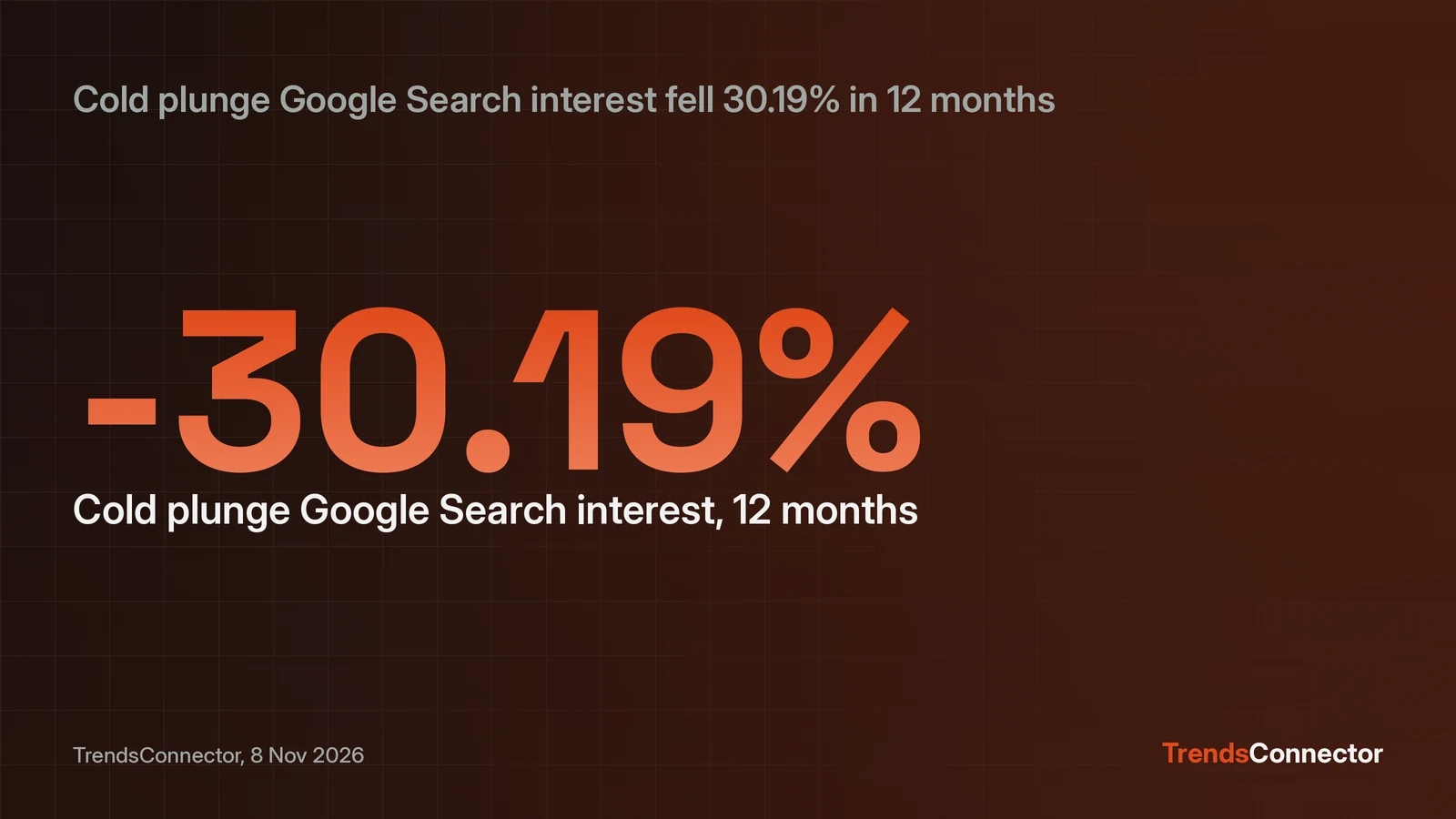
Claude takes TrendsConnector as a custom connector. Open Settings, then Connectors, add a connector called TrendsConnector, enter https://trendsconnector.com/mcp as the URL, and sign in through the TrendsConnector account. Nothing is pasted: the free key behind the sign-in covers 100 requests a month. The same server also works in Claude Desktop and Claude Code, with different steps covered below. Once it is connected, trend questions work in plain language. Ask for a keyword, a platform, and a window, and Claude calls the connector and answers with the series. A test run on 8 November 2026 asked for 12-month growth for cold plunges on Google, TikTok, and Amazon: Google Search fell 30.19 percent, Amazon fell 44.44 percent, and TikTok returned no data for that keyword. The whole comparison cost 2 requests.
One URL connects Claude on the web
The whole setup is one custom connector, one URL, and one sign-in. Nothing installs, and no config file changes hands.
- Get a free TrendsConnector API key. Signup asks for an email address, then sends an 8-digit code. No password is set, and no card is asked for.
- In Claude, open Settings, then Connectors, and add a custom connector called TrendsConnector. Put
https://trendsconnector.com/mcpin the URL field, then connect and sign in. - Start a chat and ask a trend question. Claude calls the connector and answers with the series.
Claude decides when to call the connector. Naming the platform and the window in the question gets the exact call. Custom connectors depend on the Claude plan. If the Connectors menu is absent, the plan is the likely cause; the TrendsConnector side asks for nothing more than the free key. Demand for this exact setup is easy to measure: as of 8 November 2026, Keyword Planner shows the query "claude mcp server" drawing 5,400 monthly searches with low competition. A shorter version sits on the Claude page, and the comparison of the connector and the API lays out which jobs suit the connector and which suit a direct API call.
Claude Desktop uses the same connector or a config block
Desktop takes the same connector, with a config block as the second route. The Settings, then Connectors path works the same way on Desktop as it does on the web.
The sign-in address and the API-key address are the two routes to the same TrendsConnector MCP server. Clients that sign in, Claude and ChatGPT, use https://trendsconnector.com/mcp. Clients that send an API key use https://api.trendsconnector.com/mcp with the key as a Bearer token:
{"mcpServers": {"trendsconnector": {"url": "https://api.trendsconnector.com/mcp", "headers": {"Authorization": "Bearer YOUR_API_KEY"}}}}
The sign-in address is the one to use when the client offers it, because no key gets pasted anywhere. Treat the key like a password: store it where only the server reads it. If it leaks, make a new one on the account page.
Claude Code connects from the terminal
Claude Code adds the same server with one terminal command, then signs in inside the app. Run this in a terminal:
claude mcp add --transport http --scope user trendsconnector https://trendsconnector.com/mcp
Then type /mcp in Claude Code to sign in. The command uses the http transport, the user scope, and the same sign-in URL Claude on the web uses. After sign-in, trend questions work in Claude Code exactly as they do in a web chat. The same key works for the connector and for direct REST calls, so a chat workflow can move to code with no new credentials.
What the first answer looks like
The first useful question names a keyword, a platform, and a window. The docs point to this test prompt for checking the connector is live:
Using TrendsConnector, what is trending on Google?
A sharper test asks for a comparison, because it shows the growth tool working across sources:
Using TrendsConnector, compare 12-month growth for cold plunges on Google, TikTok and Amazon.
Asking that question on 8 November 2026 returned this:
| Source | 12-month growth | Index, then to now |
|---|---|---|
| Google Search | -30.19% | 53 to 37 |
| Amazon | -44.44% | 41.4 to 23 |
| TikTok | no data | none |
The index runs 0 to 100, and growth is point to point. Google Search compared 1 November 2025 with 31 October 2026, and Amazon compared 31 October 2025 with 31 October 2026. The series behind the numbers holds 261 weekly points for Google Search, covering about 5 years, so a 12-month window is a small slice of a long history. Amazon volume fell with the index: 152,445 down to 84,548, a drop of 44.54 percent.
TikTok returned no data for this keyword. That is a normal answer, not a broken connection: the connector reports the gap instead of guessing. A board question shows the other side of the connector. The latest Google Trends snapshot returned on 8 November was dated 4 November 2026 and led with a 2026 election-results query, followed by "james talarico" and "michigan senate race". The board snapshot was stamped 4 November 2026 at 07:01 UTC, so the answer showed its freshness.
Behind the two questions sit 5 tools across 27 platforms. The site counts 53 sources in total. Time series gives five years of weekly history for one topic, growth gives point-to-point change over windows from 7D to 5Y plus MTD, QTD, and YTD, with 12M as the default, and top trends returns a live ranked board with no keyword at all. The connectors page lists each source with the fields it returns.
What each question spends
Each successful call spends requests, and the free key holds 100 a month. These costs were checked against the connection docs on 8 November 2026. A time series call costs 1 request per source, and so does a growth call. Top trends charges 1 request per 10 rows, which puts the default 100-row board at 10 requests.
The cold plunge comparison asked 3 sources and cost 2 requests: Google and Amazon answered, TikTok returned no data. A 10-row board costs 1 request. Checking a 10-row board each day uses about 30 requests a month, which leaves about 70 for comparisons at 2 requests each. The default 100-row board costs 10 requests per check, so a daily default board on its own would use about 300 requests a month, above the 100 free limit. The connection docs list every per-call cost, so the budget is known before the question is asked.
When Claude stays silent about the connector
A vague question can come back as a plain answer with no data behind it. The fix is to start the question with "Using TrendsConnector" and to name the platform and the window. If Claude answers from memory, repeat the question with the connector named. If the connector has vanished from the chat, check that it is still enabled and that the Connectors list still shows TrendsConnector.
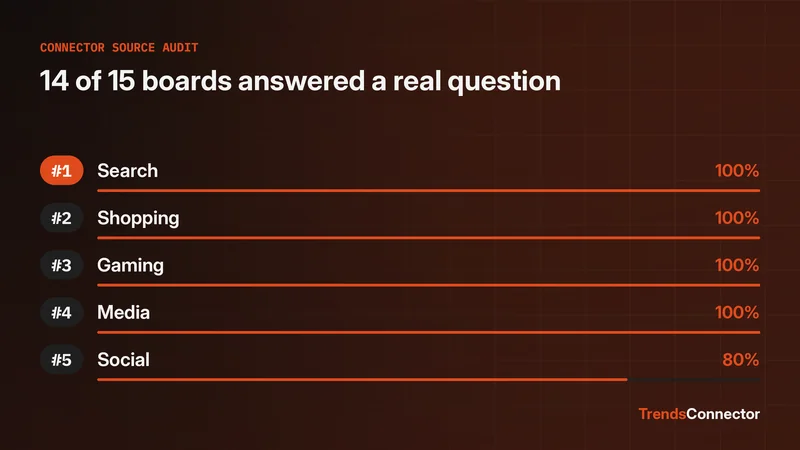
A source returning no data is an answer, not an error to fix. Try the keyword on a different source, or check its spelling: TikTok had nothing for cold plunge while Google and Amazon answered the same question. The source audit for 2026 ran everyday questions against 15 trend boards.