ChatGPT takes TrendsConnector through its app and connector flow. In ChatGPT on the web, open Plugins, select the plus, and add a custom MCP server named TrendsConnector with the URL https://trendsconnector.com/mcp. Choose OAuth, create it as a plugin, install it, and sign in. No API key gets pasted into ChatGPT: sign-in runs through OAuth on the TrendsConnector account, and the free key behind it covers 100 requests a month. After that, trend questions work in plain language. A first question run on 8 November 2026 asked what is trending on TikTok right now: the board led with halloween, usa, and meme, and the whole answer cost 1 request.
ChatGPT adds the connector through Plugins
The whole setup happens inside ChatGPT, in the Plugins menu. The steps below were checked against the product's own ChatGPT page on 8 November 2026.
- Create a free TrendsConnector account. Signup takes an email and an 8-digit code, with no password and no card. The account comes with a free key covering 100 requests a month, and ChatGPT signs in through OAuth, so the key itself is never pasted into ChatGPT.
- In ChatGPT on the web, open Plugins, select the plus, and Add custom MCP server. Name it TrendsConnector, use the URL
https://trendsconnector.com/mcp, choose OAuth, select Create as a plugin, then install it and sign in. - Ask a trend question in chat. ChatGPT calls the connector and answers with the numbers.
Connector availability depends on the ChatGPT plan and workspace settings, so the Plugins menu may not show the option on every account. The TrendsConnector side only needs the free key. One key covers the connector, every other client, and direct REST calls, so a workflow that starts in chat can move to code without new credentials. The address pasted into ChatGPT is the sign-in address, https://trendsconnector.com/mcp. The other address, https://api.trendsconnector.com/mcp, is for clients that send an API key. The query "chatgpt connector" draws 480 monthly searches with low competition, as of 8 November 2026. The short version of these steps lives on the ChatGPT page, and the connector vs API comparison explains when to use the connector and when to call the API directly.
What the first answer looks like
The TikTok board on 8 November 2026 led with halloween, usa, and meme. The first useful question asks what is trending on one platform right now, and a good first check that the connector is live is this test prompt from the docs connect guide:
Using TrendsConnector, what is trending on TikTok right now, and how fast is it growing?
A run of that question on 8 November 2026 returned the TikTok Trending Hashtags board as of 09:01 UTC:
| Rank | Hashtag |
|---|---|
| 1 | halloween |
| 2 | usa |
| 3 | meme |
| 4 | halloweencostume |
| 5 | nfl |
| 6 | christmas |
| 7 | tiktokshopblackfriday |
| 8 | roblox |
| 9 | musteatinmycity |
| 10 | ad |
The board mixes a fading holiday, an arriving one, and a shopping event: halloween still leads eight days after Halloween, christmas sits at 6, and tiktokshopblackfriday at 7. That mix is the point of a board question. It shows what people are actually posting about, not what a single keyword search would find. The whole board cost 1 request for 10 rows.
Comparing two platforms in one answer
ChatGPT can compare two platforms in one answer, on the shared 0 to 100 scale. Ask for the same keyword on two sources, and ChatGPT makes one growth call per source, then compares them. The comparison uses one of 5 tools across 27 platforms; growth is the one that answers "how fast".
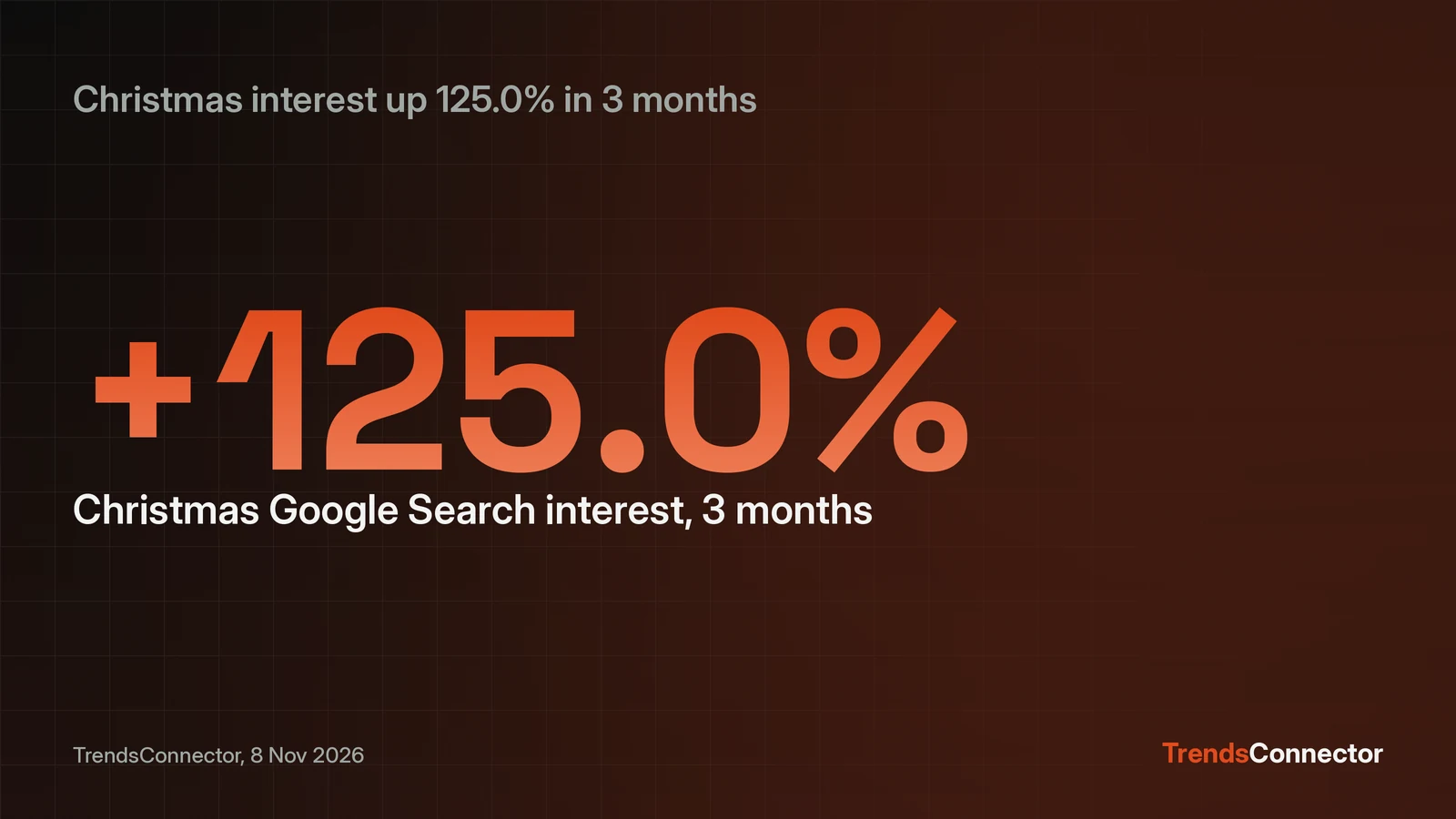
Christmas is a good test, because the same keyword behaves differently on search and on shopping. A run on 8 November 2026 returned this:
| Source | 3-month growth | 12-month growth |
|---|---|---|
| Google Search | +125.0% | -18.18% |
| Amazon | +585.71% | -9.43% |
Google Search compared an index of 4 on 25 July 2026 with 9 on 24 October 2026, and 11 on 25 October 2025 with 9 on 24 October 2026. Amazon compared 0.7 on 30 June 2026 with 4.8 on 30 September 2026, and 5.3 on 30 September 2025 with 4.8 on 30 September 2026. Amazon volume tells the same story in absolute terms: 1,066,409 up to 7,658,881 over 3 months, a rise of 618.19 percent, then 8,488,037 down to 7,658,881 over 12 months, a fall of 9.77 percent.
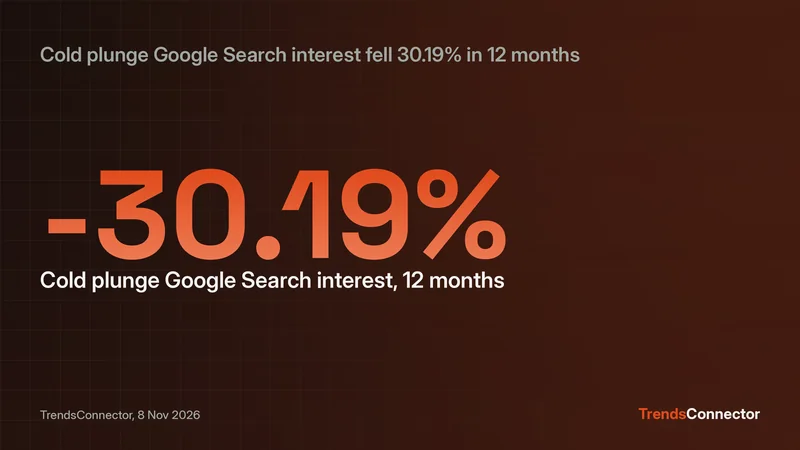
The 3-month jump looks seasonal rather than a breakout: both sources sit below last year at the same point, so the 12-month comparison is the read that matters, though that read rests on one year of comparison only. The comparison cost 2 requests, one per source.
How much a question costs
Every successful call costs requests, and the free key covers 100 a month. Time series and growth cost 1 request per source per call. Top trends costs 1 request per 10 rows, so the default limit of 100 rows costs 10 requests per board.
The TikTok board cost 1 request for 10 rows, and the Christmas comparison cost 2 requests, one per source. A daily 10-row board check costs 1 request a day, or 30 in a 30-day month, leaving 70 requests for comparisons at 2 requests each, or 35 comparisons a month. The per-call costs are listed in the docs connect guide, so the budget is visible before the question is asked.
When ChatGPT answers without the connector
A bare question can come back with no data behind it. When that happens, start the question with "Using TrendsConnector" and name the platform and the window, then ask again. If the connector is missing from the chat entirely, check Plugins and confirm it is still installed; availability depends on the plan and workspace settings.
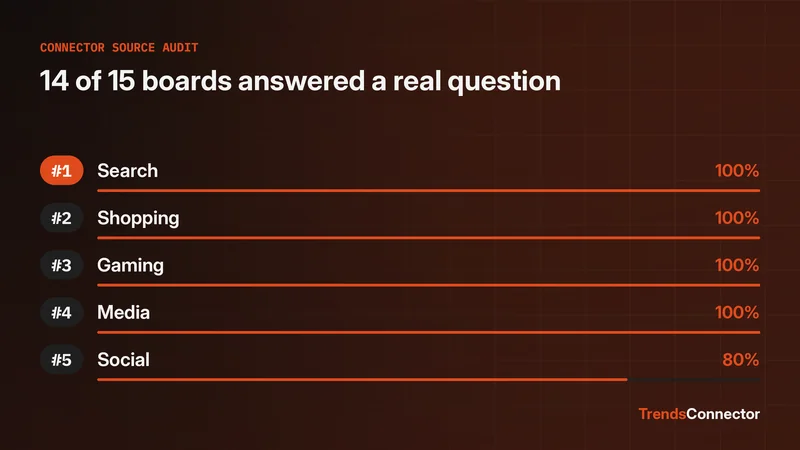
If a source returns no data for a keyword, try the keyword on another source, or check the spelling. A 2026 source audit tested everyday questions against 15 trend boards. Every source and the fields each one returns sit on the connectors page.